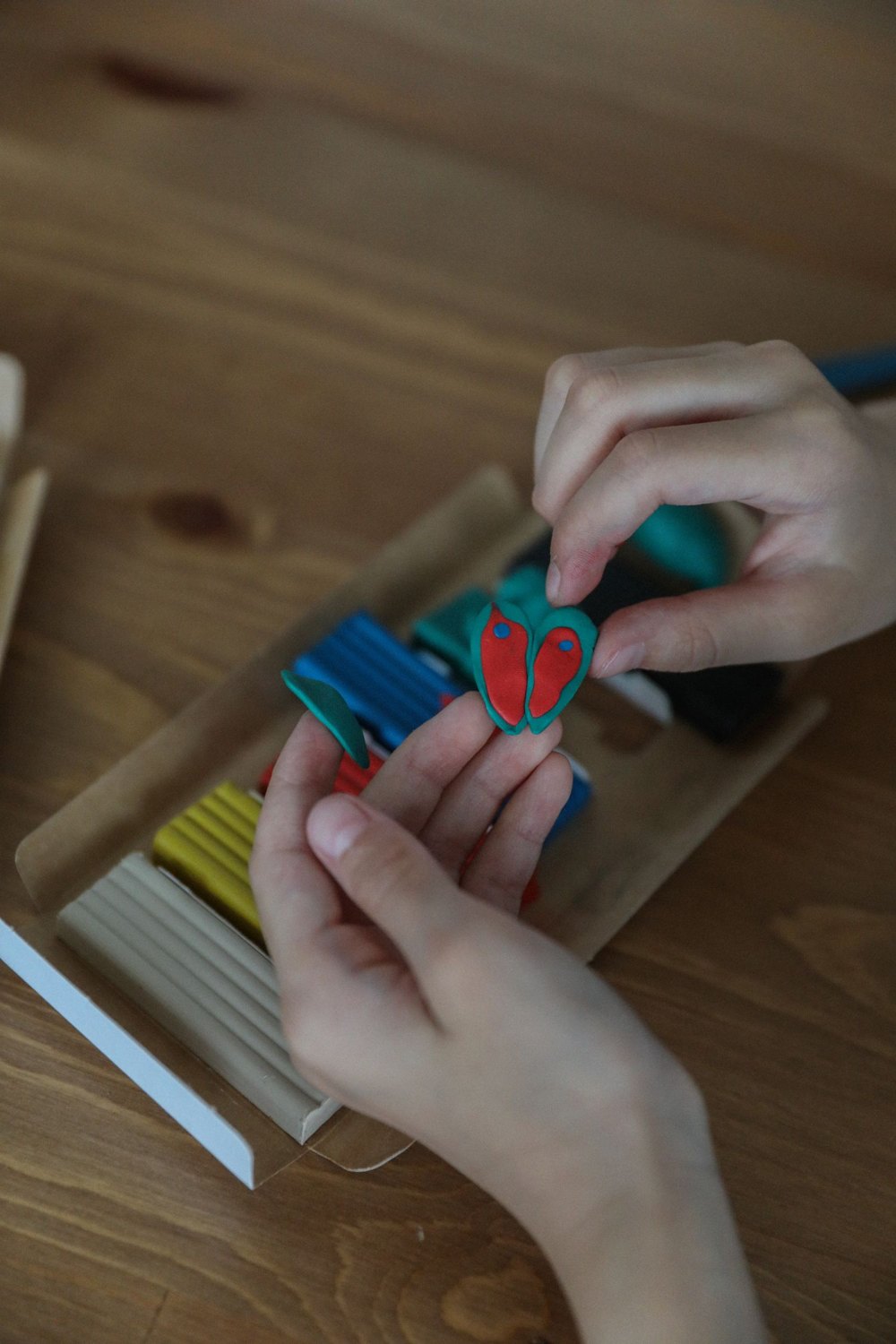
Stop motion creates movement from a sequence of still images. An object changes a little between frames. For a first shared clip, a short, controllable action is more useful than a long story with many characters and changing locations.
Divide an action into three states
For example, a paper circle could roll towards a drawn house and rise above it as the sun. Sketch the beginning, middle and ending on one sheet. These drawings establish what should change before you capture many individual frames.
Choose materials that stay in position. An object that rolls away by itself makes small controlled steps difficult. A flat paper figure may be easier initially than an upright character with many movable parts.
Fix the camera and lighting
Place the phone or camera securely and check the complete frame. Mark the surface position so that it is not accidentally shifted. Hands, sleeves and participants’ shadows should be out of shot before every capture.
Avoid arrangements where the light constantly changes, such as people walking in front of a lamp. If your capture application supports relevant controls, check its guidance on keeping exposure and focus consistent. Options differ between devices and applications.
Make a short trial sequence and play it back. A wobbling background often becomes more obvious in motion than in an individual photograph. Correct the setup now, before considerable work goes into the main scene.
Plan roles and frame count together
One person moves the figure, another captures the frame and a third checks the image edges or sequence. A small group can combine roles. Agree on a clear signal that hands are out of shot and capture can proceed.
The final playback frame rate affects how many images are needed. As a chosen example, twelve displayed frames per second requires sixty images for five seconds if every image is used once. This is a planning calculation, not a universal requirement for every application or style.
Small, even changes create a different impression from large jumps. Test both using a few frames. A pause can be made through repeated frames or an appropriate hold function where the software supports it.
Save one finished short scene
Watch the sequence together and identify one specific improvement, such as a turn happening too quickly. Do not immediately change everything. Keep the project separately from the exported video where the application distinguishes them.
Check the finished file through another playback route before sharing it. A clear movement is enough for the first clip. Music, titles and extra scenes can come later; they should complement a working sequence rather than conceal an unclear action.
Assess a mistake before continuing
If a hand remains visible in one frame, immediately check whether the application can delete or retake it. The longer you continue, the harder it may become to restore the original figure position. If the camera moves accidentally, compare the background with the last usable frame where the application provides an appropriate preview.
Sometimes a new short shot is easier than an elaborate repair. After a deliberate cut, the sun could already be above the house. What matters is that the transition reads as an intentional part of the scene. Keep the first version before attempting substantial changes so that the group can compare both.