_on_Harman_Kardon_AVR_370_AV_receiver_(cropped).jpg)
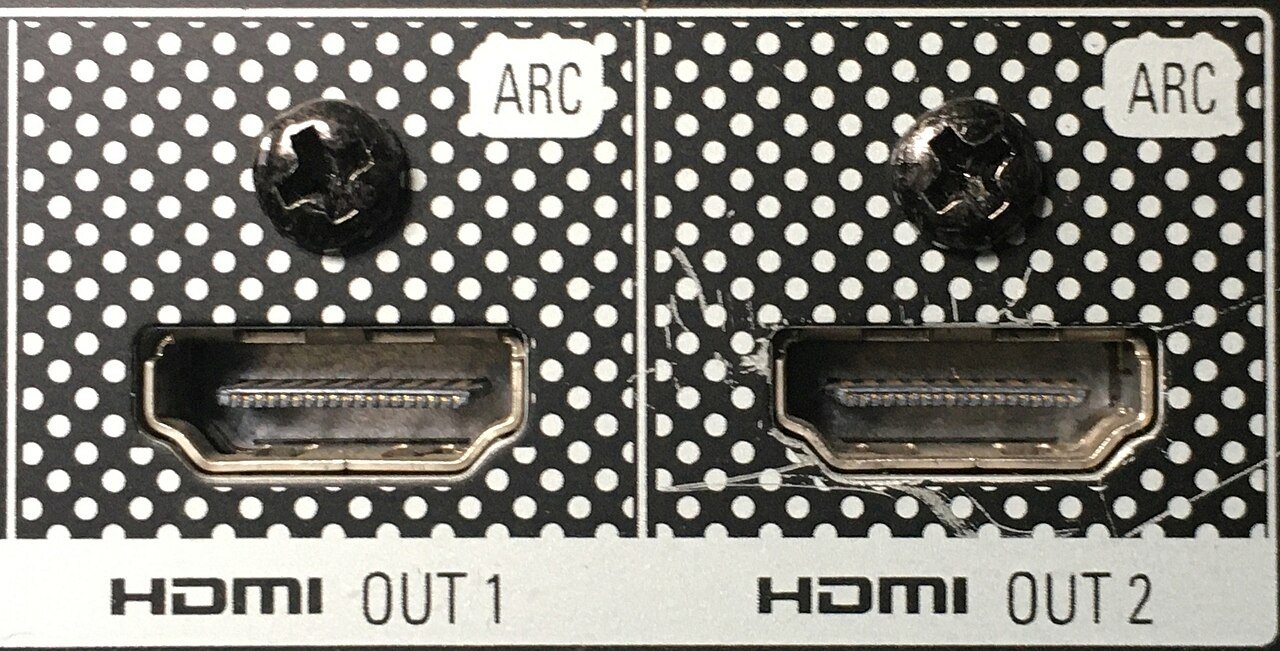
ARC and eARC are often treated as general quality tiers for an HDMI port. Their specific task is an audio return path: sound originating in or arriving at the television can travel through the appropriate HDMI connection to a receiver or soundbar. Whether the intended soundtrack actually arrives depends on more than the label beside one socket.
Why a return path may be needed
With a television app, the TV is the audio source. An ordinary path from receiver to display does not automatically return that sound in the opposite direction. ARC or eARC uses the designated ports for this purpose. Check which port performs the task on both devices.
An external player may send audio to the receiver before it reaches the TV, or pass through the television and return from there. These arrangements impose different requirements. Draw the route and identify which component receives, passes or decodes the sound.
Shared remote operation concerns control, often through HDMI-CEC, rather than the return path itself. Settings may interact in particular products, but working volume control alone does not establish any particular audio format.
What eARC expands and what it does not guarantee
HDMI Licensing describes eARC as supporting higher audio data rates, including multichannel PCM and lossless formats such as Dolby TrueHD. This does not mean every eARC-equipped product decodes or passes every possible format. Check the television, source and sound system separately.
Saying that Dolby Atmos always requires eARC is also too broad. Atmos can use different transport formats. A suitable compressed Dolby Digital Plus stream may work through ARC on compatible equipment, whereas another source using lossless transport has different requirements. An Atmos label therefore does not describe the complete chain.
For example, a TV app and an external player may provide the same film title with different audio formats. A working app does not prove that the player's track passes unchanged through the same TV return path. Conversely, connecting a player directly to a receiver may avoid a TV passthrough limitation when the rest of the arrangement supports it.
Narrow down a problem step by step
First check labelled ports and selection of the external audio system. Then use a known source and inspect the receiving device's display where it reports the incoming format. A sound-mode name is not necessarily the same as an input-format indication.
If one compatible simple format works and another does not, check format support and passthrough settings. Avoid trying several new cables and menu changes at once. After each step, record whether sound is present, which format is reported and whether picture and sound remain aligned.
Use a suitable cable and follow specific manufacturer guidance. A newer or more expensive cable cannot add a missing decoder to a device. A firmware update likewise does not automatically enable every advertised format; read the changes actually documented.
Interpret different results from two sources
A common comparison involves an internal television application and an external player. Both may reach the soundbar through the same return channel while supplying different audio formats. One source working therefore does not automatically establish support for every format from the other route.
First note the player’s actual audio output. Then check whether the television accepts that format through the chosen input and can pass it through its return path. Finally, check the soundbar’s support. An eARC symbol on one connector cannot answer all three questions.
If temporarily selecting stereo restores sound, that is a useful comparison rather than proof of the exact cause. You have also changed the transmitted format. For further tests, return to the intended format in a controlled way and compare documented capabilities. This keeps it clear whether the final arrangement provides merely audible sound or the multichannel format you actually wanted.