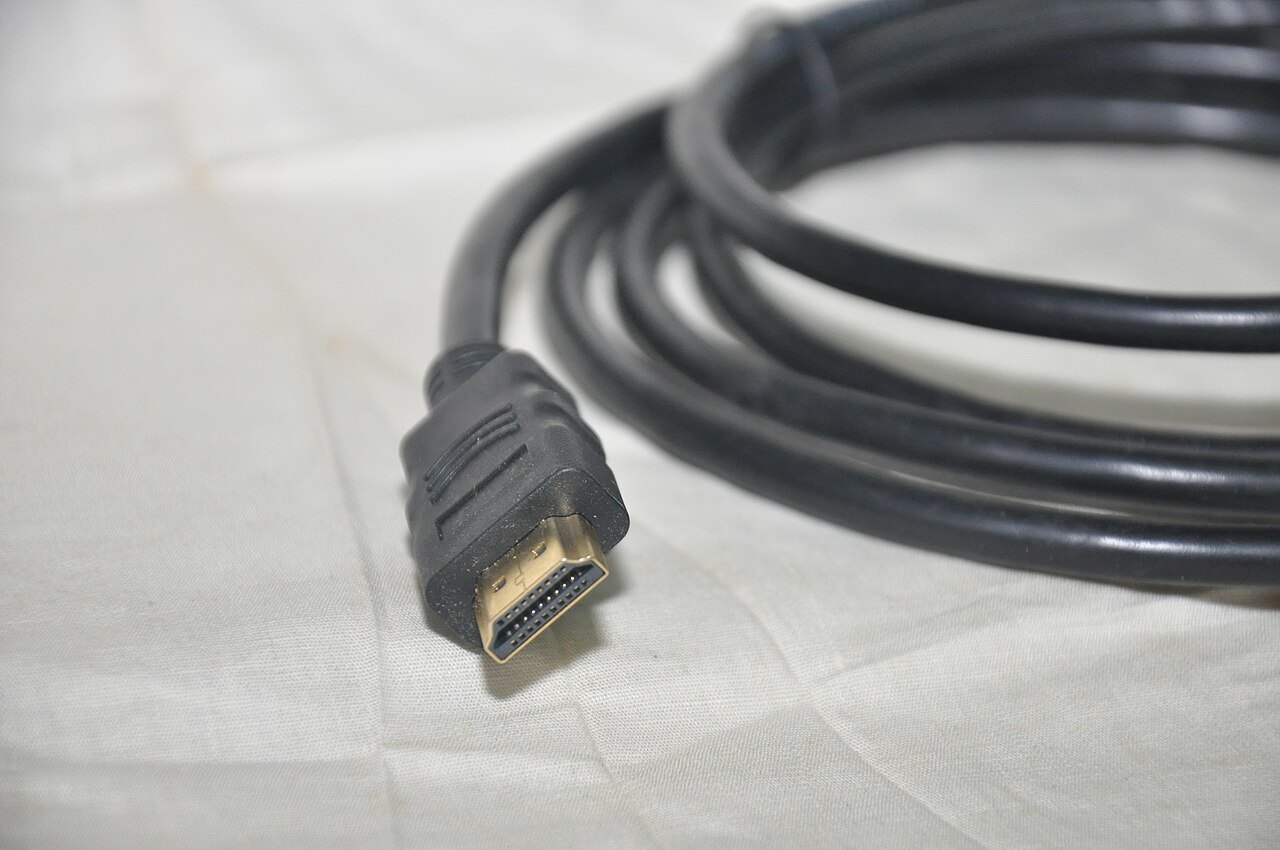

HDMI often combines several tasks in one cable: picture, audio and, depending on equipment, additional control functions. This does not mean every port supports every signal. For an understandable setup, start with the source and draw its route to the screen and speakers. The connector label provides only part of the information.
Name the source, intermediate equipment and destination
A simple system runs directly from source to television. With a receiver or soundbar in between, that component must also pass the required video signal. A working basic picture does not establish that a higher frame rate or particular HDR format can follow the same route.
Record the actual port used on each device. Some features are available only on selected ports or require a particular input setting. Consult the model manual rather than inferring every capability from a version label. A name such as HDMI 1 initially identifies a port, not a quality level.
When audio originates inside the television, such as in an app, it does not automatically follow the picture path of an external source. ARC or eARC can return it to an audio system when the appropriate endpoints and settings exist.
Test the chain with a simple signal
If no picture appears, first check power, selected input and firmly seated connections. Switch or restart equipment according to manufacturer guidance. Do not change cables, source and every picture option simultaneously, or you will not know which step mattered.
Connecting the source directly to the television may help assess an intermediate component. If that route works, it does not automatically mean the receiver is faulty. Input selection, settings or format support may explain the difference. Compare the same source under understandable conditions.
Once a basic format works, increase requirements step by step. Test the desired HDR signal or higher frame rate afterwards. A black screen under one setting is a useful observation but not a complete diagnosis of the cable.
Choose cables for the required signal
Use appropriate certified cable categories and check required length and any instructions for active or directional cables. A larger number in a sales description does not replace a clear suitability statement. Unnecessarily long routes and numerous adapters complicate diagnosis. Keep the chain as simple as possible initially.
Route cables without pulling on sockets and follow manufacturer bending or installation guidance. Label both ends with source and destination. When replacing equipment later, you can alter the relevant path instead of removing every similar-looking plug.
Finally, test audio and control separately from the picture. HDMI-CEC operation and the ARC/eARC return path are different functions. A responding volume button does not establish the desired audio format; audible sound does not guarantee complete remote operation. Keeping these distinctions clear makes later fault reports much more precise.
Use a direct connection as a comparison
Suppose a player works directly with the television but not through the receiver. This comparison shows that the longer route needs closer investigation. It does not yet prove that the receiver is inherently unsuitable. Different cables, another input and different signal options may also be involved.
Draw both routes and mark the parts that change. Then investigate one of those components at a time. Changing cable, connector and output format together may restore the picture without revealing which change mattered.
Once the simple arrangement works reliably, enable required additional functions individually and test again. Keep a note of the working state. If problems return later, you can go back to it rather than changing every menu without a reference. The direct connection is a diagnostic comparison and does not necessarily have to become the final installation.