HDR stands for High Dynamic Range. In video it concerns the representation of a wider brightness range and associated image information. This is separate from resolution: a picture can contain many pixels without being HDR. Equally, an HDR logo alone says little about how convincingly a particular display reproduces bright and dark areas.
Consider the complete chain
Start with the particular film and version being played. A platform may supply the same title differently depending on the device, offering or playback route. A badge on a browsing page therefore does not replace checking the actual playback. Use available signal information on the television or player and consult its manual to understand what it reports.
An external player may send its signal through a receiver or soundbar. Every relevant interface and setting must support the required transmission. If HDR works through an internal application but not through the player, that does not establish a display fault. Compare the two routes, paying particular attention to the selected input and any model-specific enhanced signal options.
Separate formats from reproduction
HDR10 and Dolby Vision are different HDR systems. Their differences include metadata and compatibility requirements. This does not produce a simple ranking for every film and screen: the source material, its processing and the display’s characteristics still matter.
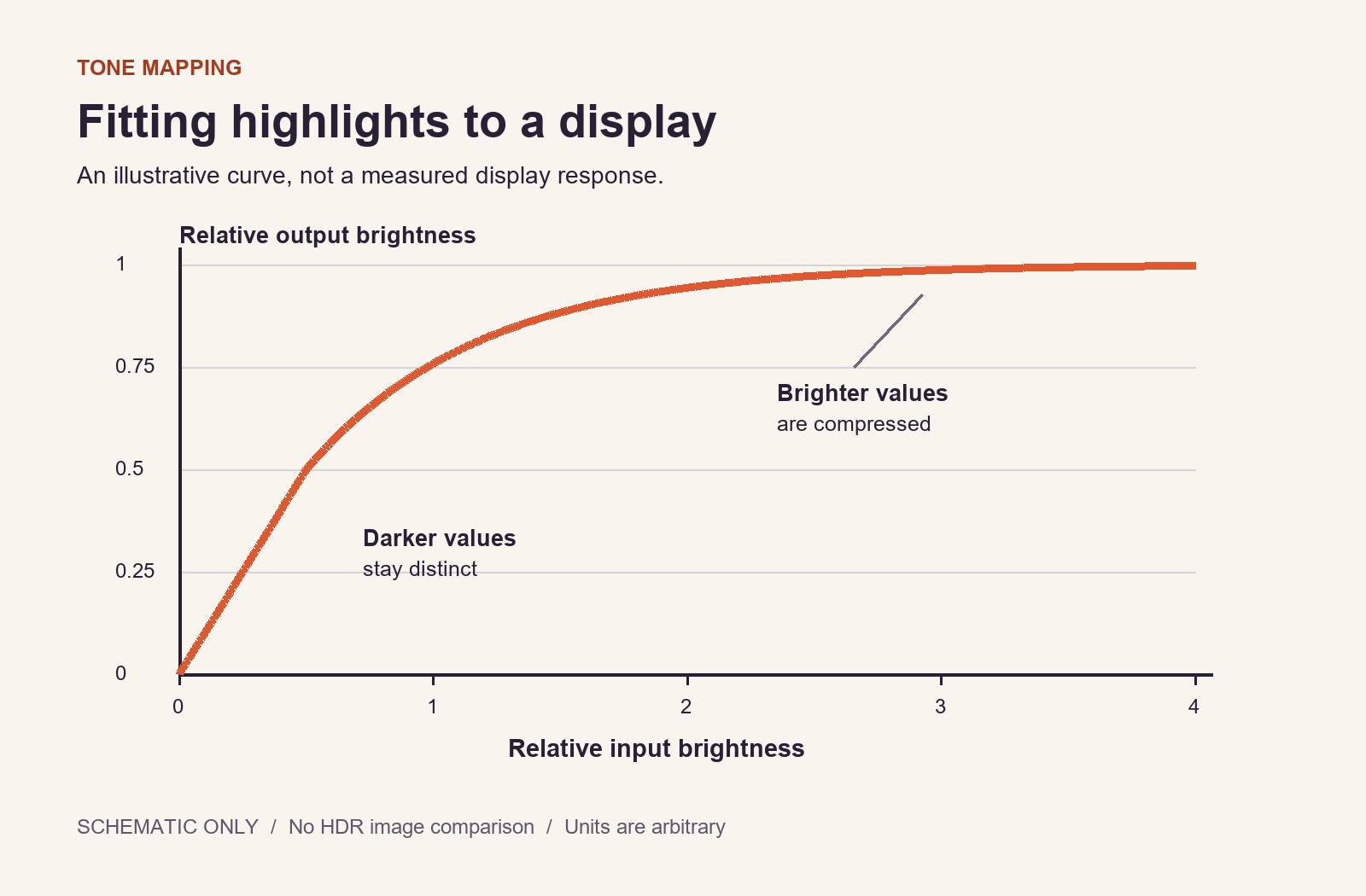
A display must map the picture information to its actual capabilities. This adjustment is commonly called tone mapping. Very bright parts of an image can consequently look different on two devices receiving the same HDR signal. The format logo does not measure achievable brightness, black level or performance when bright and dark areas appear together.
Investigate an image that seems too dark
First check the room lighting. Reflections can conceal dark detail even when that detail is present in the signal. Then compare several scenes and another HDR title. A deliberately dark film is not a general functional test for HDR.
Check whether a separate picture mode becomes active when HDR starts. Some settings are stored independently. Do not immediately change contrast, black level and gamma together: you will lose the connection between each adjustment and its result. A visible change also does not automatically mean that the picture information is being reproduced more accurately.
For example, the internal application reports HDR and faces look balanced in the evening, but background detail disappears during the day. Before changing every control, reduce direct reflections and repeat the same shot. If the problem remains in the evening and across several titles, investigate the HDR mode and the manufacturer’s guidance. With a single scene, the creative treatment of the material remains another possible explanation.
What a comparison actually demonstrates
Comparing arbitrary SDR and HDR versions may also compare different creative grades. Keep conclusions narrow: “This version is more comfortable on this device under this lighting” is a defensible observation. “HDR is always brighter” is too broad. HDR is not intended to brighten every surface; conspicuous highlights and retained gradation are different from making the whole picture glaring.
Record signal information separately from appearance
For a traceable comparison, record two separate observations: the format reported by the device and how a particular scene looks under the chosen lighting. The report confirms a recognised signal type rather than the quality of every picture area. Conversely, a subjectively bright image does not prove that HDR is active.
The schematic illustration here can explain the principle of mapping information to different capabilities. It is neither a measurement curve for your equipment nor a visual HDR comparison that works on every screen. Your actual source, device information and repeatable observations remain the relevant basis for adjustment.