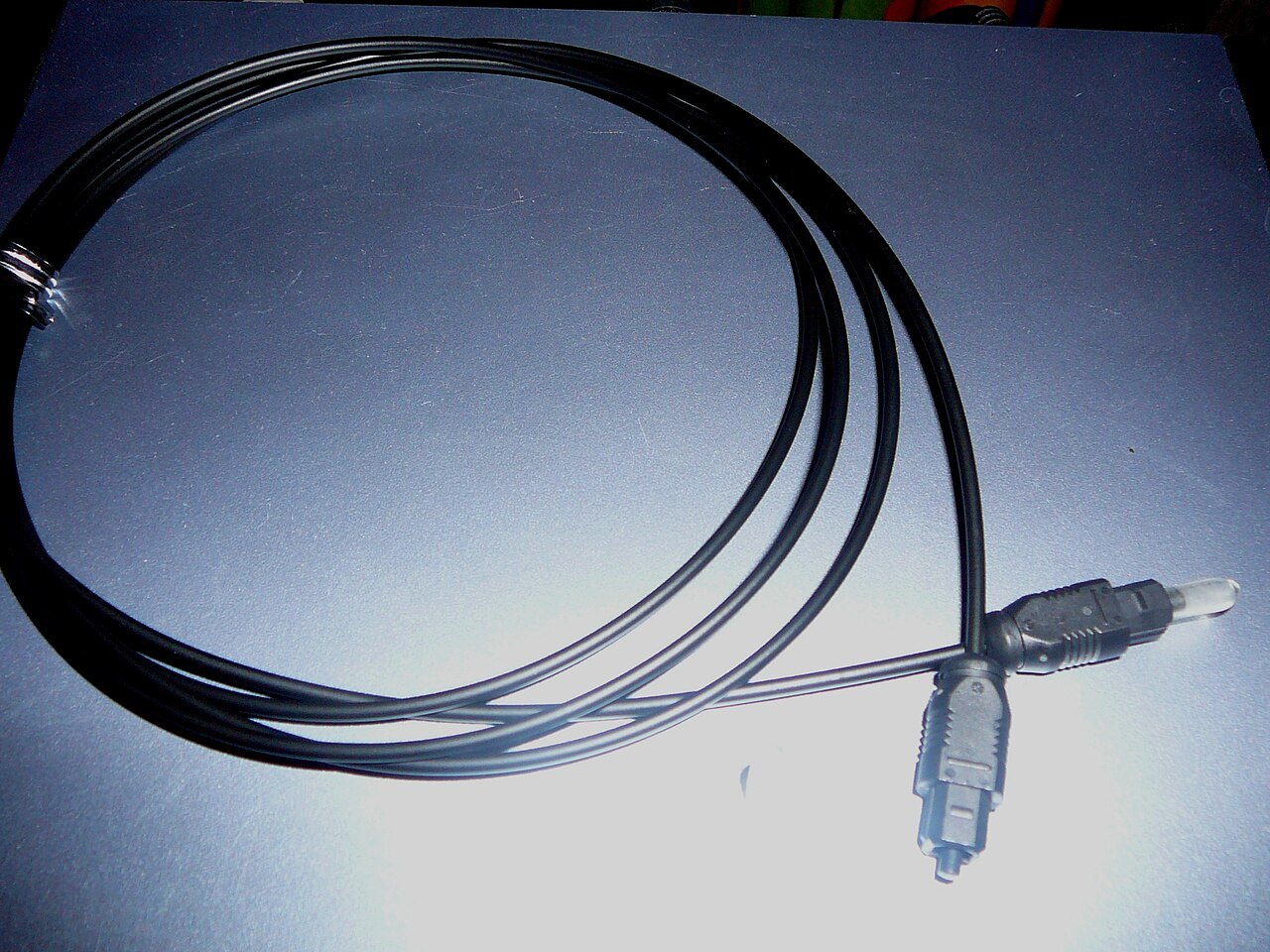

An optical audio cable can provide a practical connection between a television and sound system, especially when HDMI is unnecessary or unavailable. It does not carry arbitrary audio formats, however. First check what both devices can output and receive. The optical link is a transport path, not a decoder or a guarantee of surround sound.
Check output, input and format together
Connect the digital optical output to a suitable input and select that input on the sound system. Remove any intended protective caps without forcing the plugs. Follow cable-routing instructions and avoid sharp bends or strain on sockets.
Common supported options include stereo PCM and particular compressed surround formats. This does not imply availability of uncompressed multichannel PCM or lossless formats such as Dolby TrueHD over the same path. Check the exact combination in the manuals. The television may also limit passthrough from external sources.
If there is no sound, choosing an explicitly supported PCM format can serve as a diagnostic test. This may limit output to stereo. A successful audio test therefore does not automatically establish the originally intended surround reproduction.
Separate audio transmission from control
Optical audio does not provide the same HDMI-CEC control functions. Whether the TV remote can nevertheless adjust the sound system depends on other supported features and configuration. Test this separately instead of inferring shared control from audible sound.
A fixed digital output may also mean volume is controlled at the receiving equipment. Exact behaviour depends on the model. Explain which remote users actually need and label the selected input clearly.
Check picture-sound alignment with a suitable scene too. An optical cable does not automatically eliminate processing delay. Where a delay control exists, verify its direction and effect using the same source.
Keep a simple route when it meets the need
If the desired content and formats work over optical audio, there is no need to replace it solely because another connector has a newer label. If a particular higher-bandwidth format is required, investigate an appropriate alternative. The actual requirement should decide. Record output format, selected input and volume control so the simple arrangement remains understandable after equipment changes.