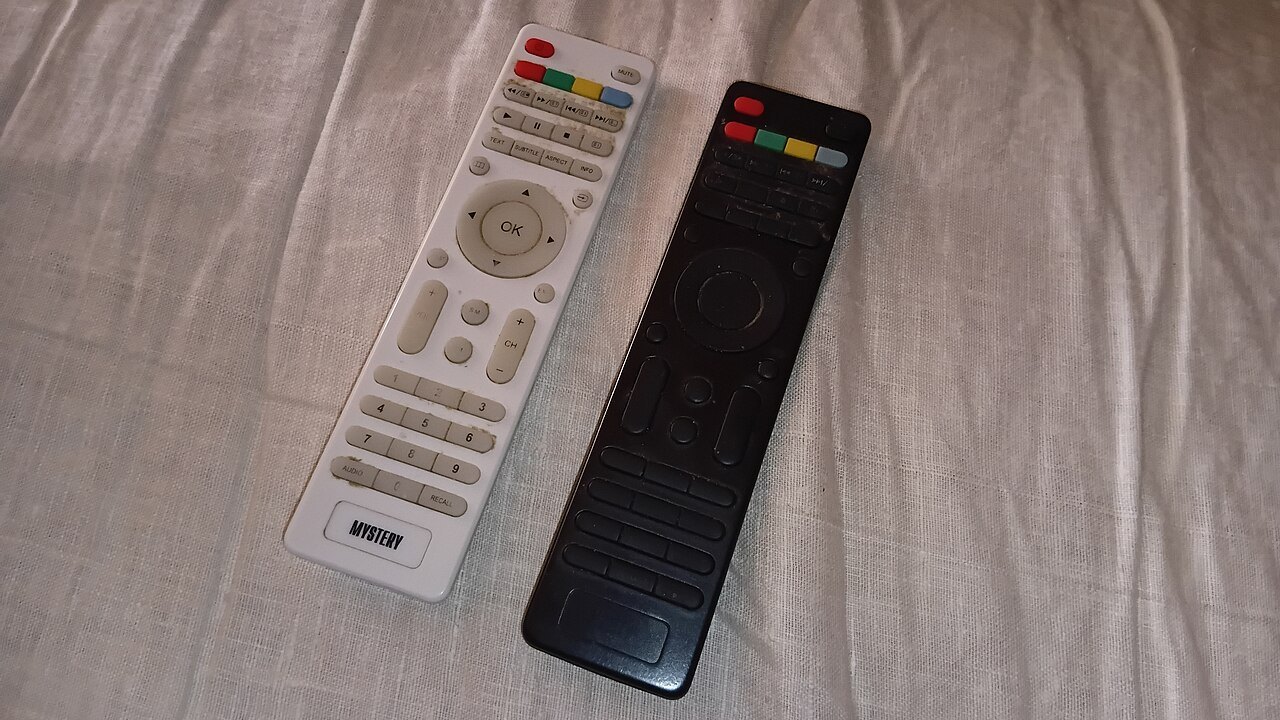

Several remotes become confusing especially when nobody knows which device currently controls picture, sound or content. Begin with these tasks rather than the buttons. A television may show the image while a soundbar produces audio and an external player supplies the programme. Those three roles should remain clear to everyone using the system.
Write down one ordinary sequence
Choose the most common activity, such as watching through one app. Record which devices are switched on, which input is selected and where volume is controlled. Keep the list short. It should describe an actual sequence rather than document every system feature.
Name inputs clearly where the equipment allows it. Player or console is more useful in daily use than remembering an arbitrary socket number. Retain the physical mapping too, perhaps in a small connection note. A renamed input should not become the only record of the wiring.
Ask another person to try the sequence. If they have to guess at a step, add that specific information. A well-intentioned guide full of exceptions can obscure the ordinary case again.
Configure shared control deliberately
HDMI-CEC can enable control between compatible components. Sony uses names including BRAVIA Sync for this. Setup and available functions depend on the devices involved. Test power on, power off, volume and input selection individually.
If a component unexpectedly changes inputs or switches others on, observe which step triggers it. Do not immediately disable everything without recording the effect. Deliberately limited shared control may be clearer than a fully automated chain that does not reliably follow your intended sequence.
ARC or eARC describes the audio return path rather than all remote operation. Sound arriving through HDMI therefore does not mean every button can control every component. Keep these questions separate during troubleshooting.
Separate exceptions from everyday use
Keep rarely needed remotes in a fixed place rather than giving all of them equal prominence beside the sofa. Everyday controls should be immediately identifiable. If useful, label devices or storage positions plainly.
After replacing a component, recheck the short guide. An outdated input choice or changed volume control can otherwise resemble a fault. Keep original manuals for occasional settings as well. The everyday note does not replace them; it reduces the decisions needed before watching a film.